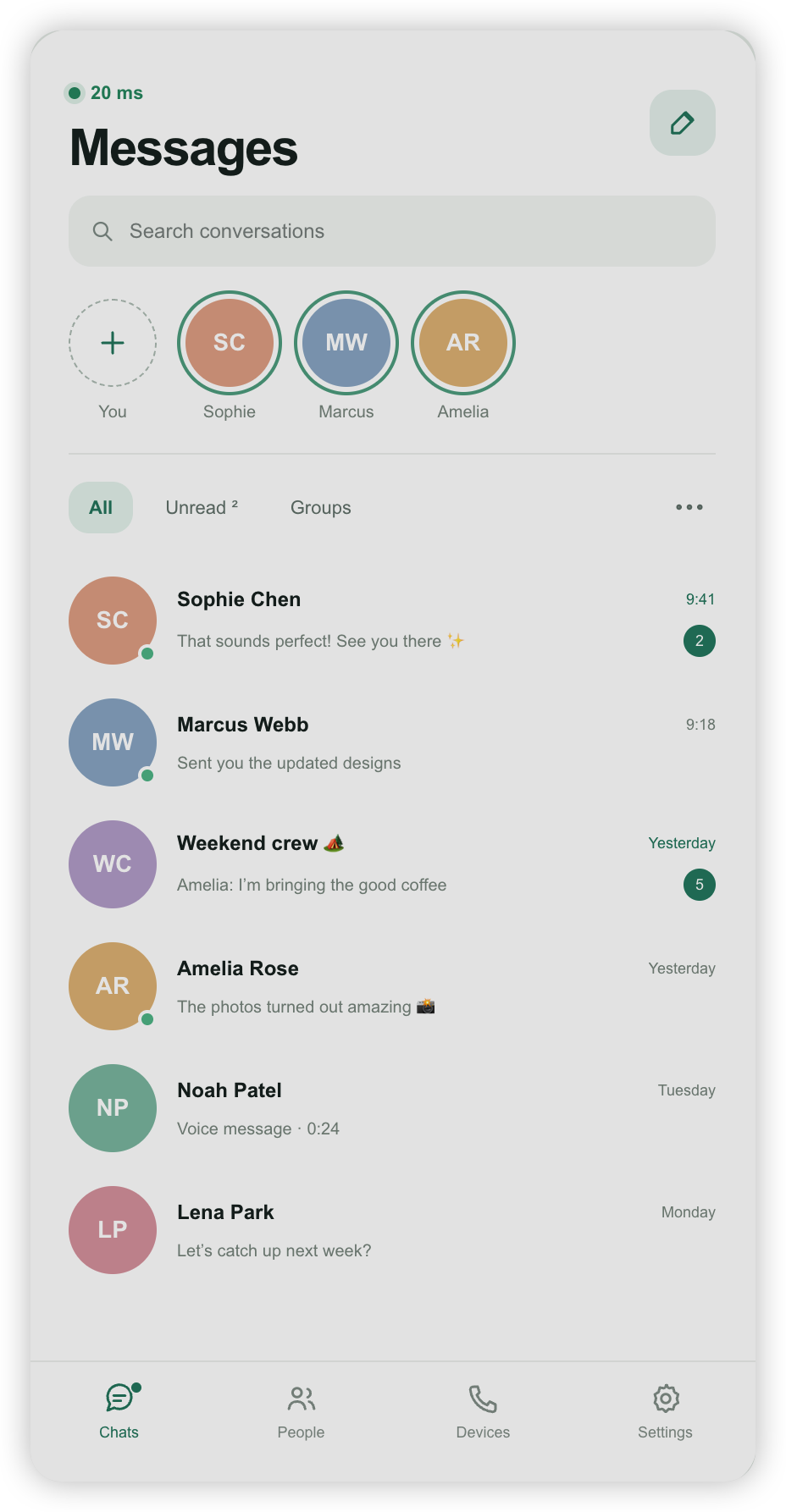
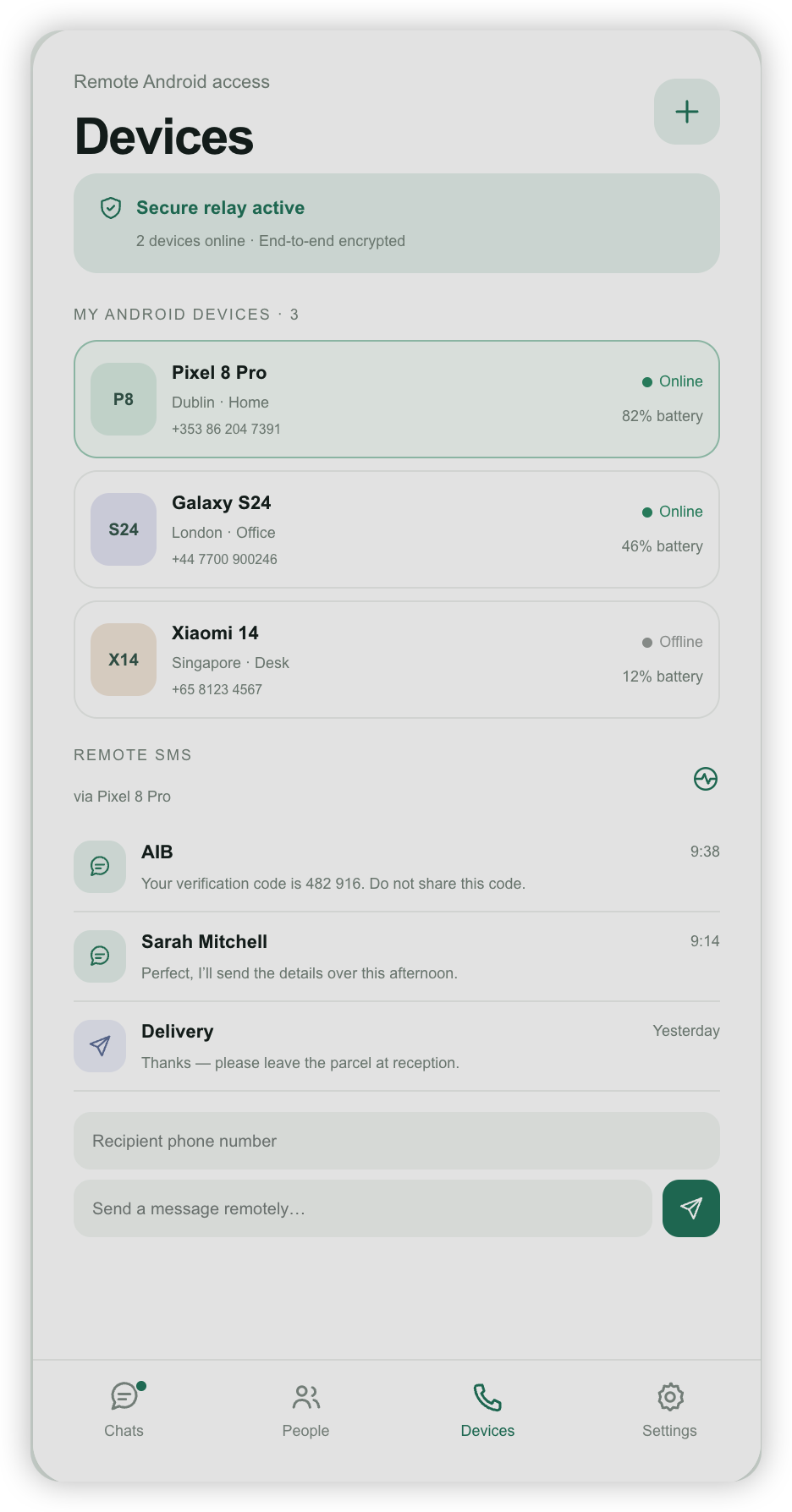
Direct chat
Send one-to-one messages with people you trust.
 RelayGo
Private peer-to-peer messenger
Private chats on iPhone, with an optional Android controlled device for pairing.
Simple tools for private communication and device pairing.
Send one-to-one messages with people you trust.
Use voice notes and audio calls when text is not enough.
Pair the Android controlled device with RelayGo on iPhone.
Block, report, delete your account, or contact support.
Install RelayGo on iPhone and the controlled device app on Android.
Create your account, chat with contacts, scan pairing QR codes, and manage privacy choices.
Search "RelayGo" on the App Store, or open the App Store link directly.
Install on Android, start the gateway, then scan its QR code from iPhone.
Download Android APK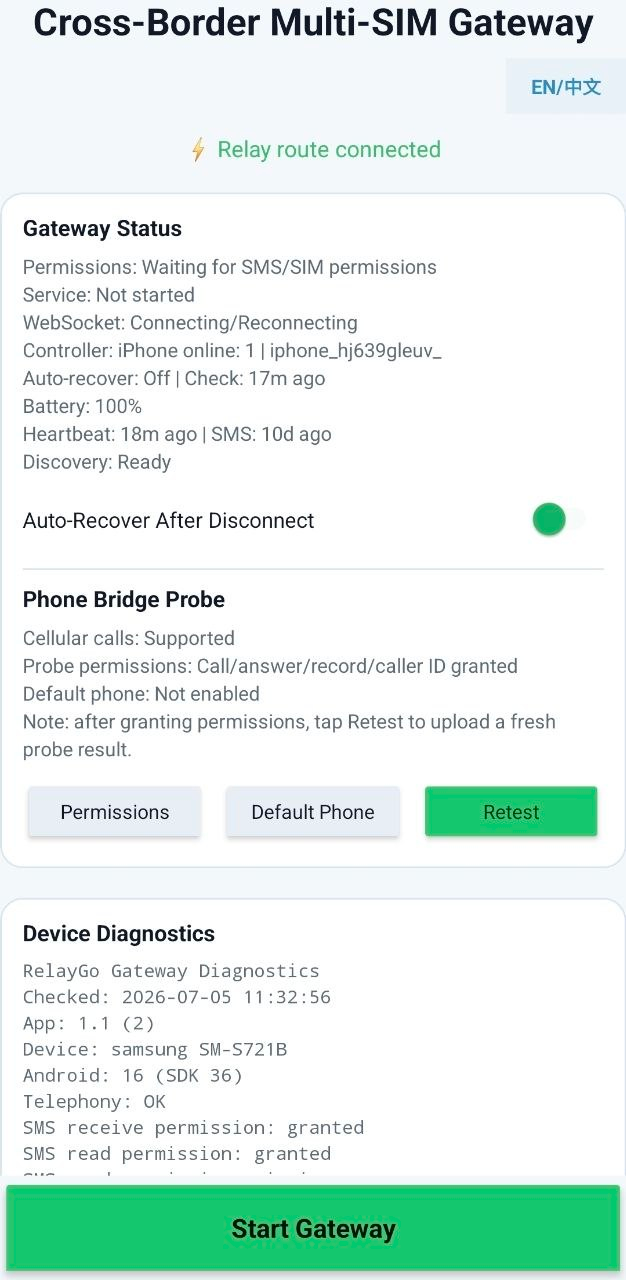
Use both devices together in a few minutes.
Open RelayGo on iPhone and sign in with your email.
Download the APK from this page and install it on Android.
Open the Android app and keep its QR code visible.
Tap the scan button in RelayGo on iPhone and scan the code.
Return to Chats and manage privacy options from Settings.
Public policy pages and in-app controls are easy to find.
Account data supports sign-in, contacts, safety, and support.
Messaging is focused on selected contacts, not public posting.
Users can request access, correction, deletion, and other privacy actions.
Email [email protected] for help, reports, and privacy requests.
Use these official RelayGo links for support, privacy, and safety.
Install RelayGo on iPhone first, then install the Android controlled device app if you want to pair an Android device.
Use the Android download button on this page. It points to https://down.relaygo.uk/android.apk.
Open the Android app, show its QR code, then scan it from RelayGo on iPhone.
Visit the User Privacy Choices page at https://relaygo.uk/privacy/choices.